You can't add a new manual correction in the 'pending' view
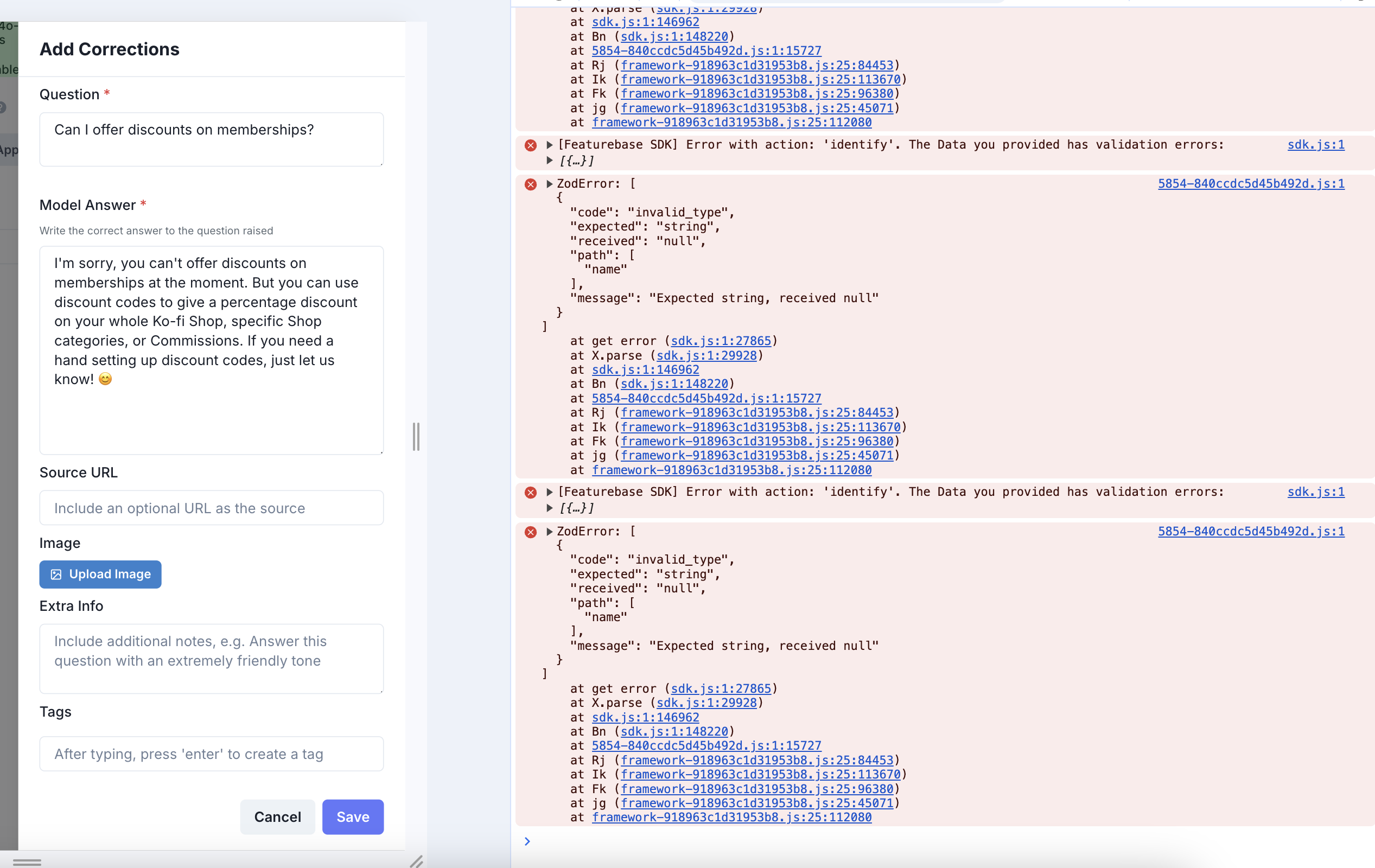
Pop-up to add correction appears, but when you try to submit,Nothing happens when, there were errors in the console log about invalid string.
You have to go to 'approved’ view to be able to add a manual correction.
Comments2
Luke Tan
Sep 4, 2024
@An Unknown User Hi Jordan, while the error logsare unrelated to the correction issue(these error logs are from Featurebase, the app we are using now to manage user feedback), there might have been an issue with adding corrections for Multi Knowledge Base chatbots, as the knowledge base for the correction was not properly assigned. In the future when creating a correction, you can select a knowledge base to assign the correction to as shown in the screenshot below. You can also edit existing corrections to assign the correct knowledge base to them. Do let us know if you continue to experience this issue!
Vera Sun
Sep 4, 2024
@An Unknown User Hi Jordan, we will get this bug fixed for you shortly.